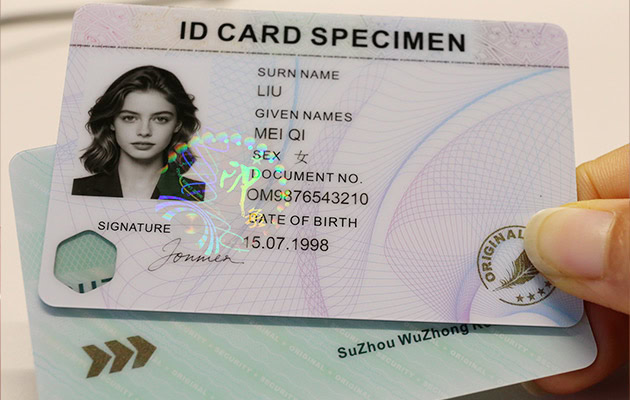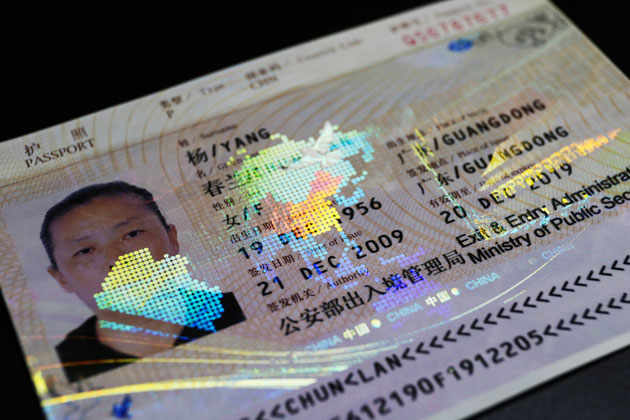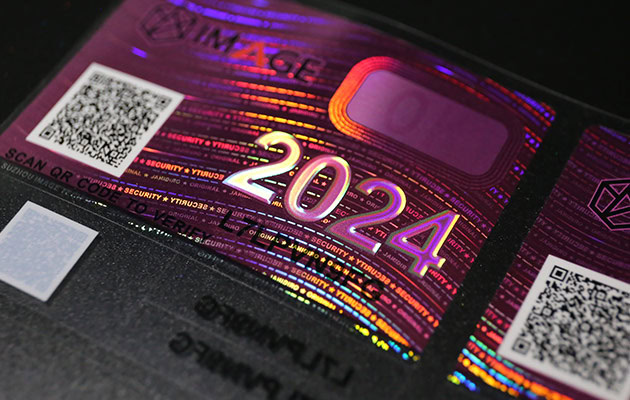
Today, let me talk to you about our ID card printer series. We have been engaged in anti-counterfeiting of identity documents for many years.
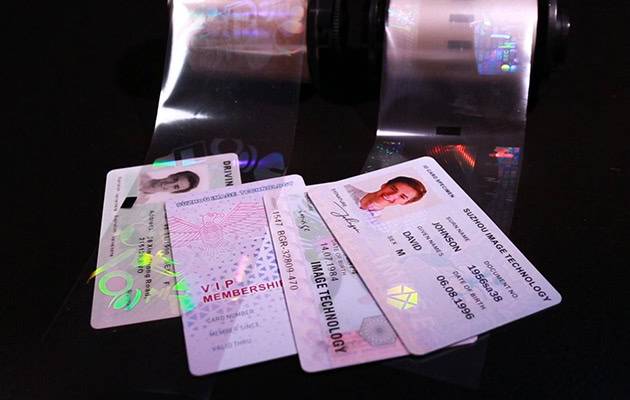
Many customers also know that, in addition to finished cards, pre-printed cards and hologram id overlays, our supporting printers are also supplied together. We offer a complete set of solutions rather than a single product.
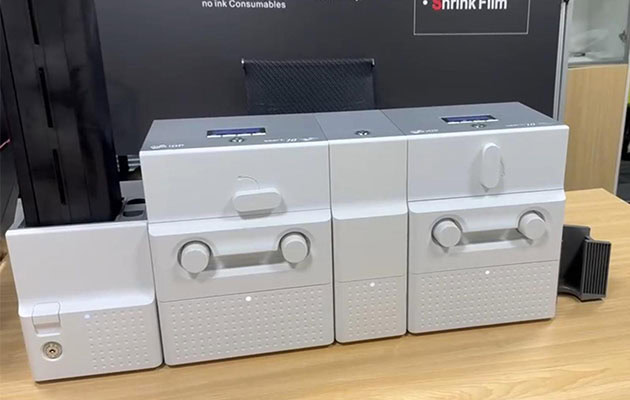
Previously, I recommended two devices, Smart 70 and Smart 81, which are commonly used in our one-stop solution.
Today, I’ll systematically talk to you all about how we select our ID card printer series, including:
- How to choose printers for different card materials?
- Which model is more suitable for different overlay films?
- How to choose printer ribbons?
- And many questions that customers often ask: whether the printer ribbon has an expiration date.
These problems are actually the most common problems for many new customers when they first come into contact with ID card printing.
How to choose a printer with different card base Materials?
This issue is actually the most crucial one. In simple terms, it first depends on what kind of card material you are using.
1) PVC or composite PVC card
It is recommended to choose the Smart 70, which is a Direct-to-Card(D-to-C) printer.
Its characteristics are:
- · The image is printed on the card surface directly by dye sublimation
- · Printing speed is relatively fast
- · Relatively cost-friendly
Materials like PVC cards have a surface that is suitable for direct printing, a stable printing effect, and good adhesion.
The common application scenarios of Smart 70 include employee ID cards, student ID cards, membership cards, access control cards, and some ordinary ID cards.
For this type of card, there are requirements for print quality, but it is not a very high-level security certificate. Using a direct-to-card printing machine is very suitable.
In addition, the Smart 70 has another advantage: its modular design is quite flexible, allowing for the addition of double-sided printing, laminating modules, coding modules, etc.
2) ABS, PET, PC card (especially PC card)
It is recommended to choose the Smart 81, which is a retransfer printer. The biggest difference between it and a direct-to-card printer is that it does not print directly on the card. Instead, it first prints onto the re-transfer film and then transfers as a whole to the card surface.
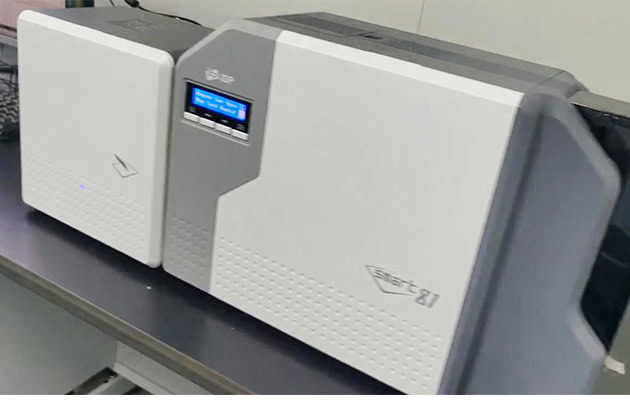
This structure brings several very obvious advantages:
First: Adapt to a wider range of materials
For example, PC cards, PET cards, ABS cards, cards with chips, and cards with uneven surfaces, retransfer machines are easier to adapt to.
Especially for PC cards, due to the physical characteristics of polycarbonate, which has a higher melting point, many customers often encounter problems such as inability to print, poor adhesion, and even rapid wear of the print head when using direct-to-card printers. However, re-transfer machines can effectively solve these issues.
Second: The printing effect is more precise
The Smart 81 supports 300 dpi or 600 dpi resolution. It is truly Edge-to-Edge printing. The image edges are more complete, and there are no white edges.
The overall printing is clearer and more delicate, and closer to the document-level effect.
2. Different hologram overlays, which set of printing and laminating machines should be matched?
Both the Smart70 and Smart81 have printing and laminating functions, but the types of holographic id overlays they match are different.
Therefore, after the printing is confirmed, the lamination aspect should also be comprehensively considered.
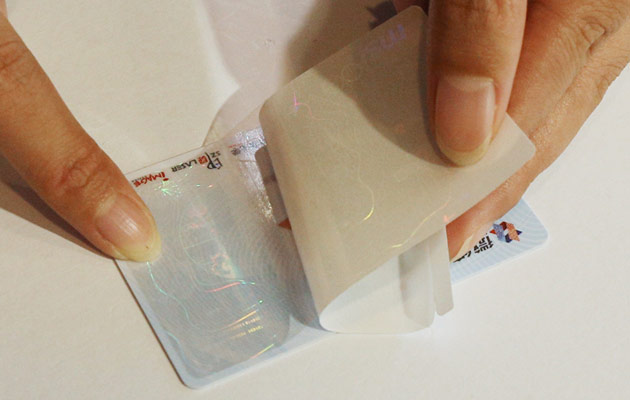
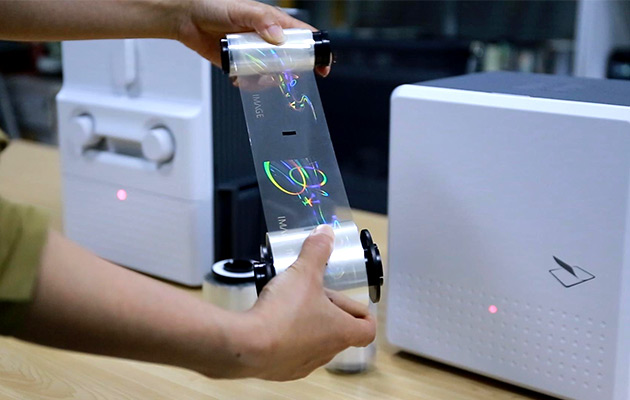
In ID card printing systems, there are two main types of ID overlay film: Patch film and transfer film. These two are actually easy to confuse for many customers at first.
The Patch film is two-layer. When lamination, an optical patch film is applied to the card, and then the ID card transfer film is just the optical security layer transferred to the card.
We have written many articles on this topic and shot some videos before. If you are interested, you can go and learn more. Here’s the link.
1) If a Patch film is used on the card, both Smart 70 and Smart 81 can be adapted.
The main role of the Patch film is to protect printed content from abrasion and extend the card’s life. It can also add customized anti-counterfeiting patterns to improve the security of personalized information.
2) If it is a transfer film, it is recommended to choose Smart 81.
Smart 81 has better compatibility with the transfer film and better edge cutting after the film is covered.
3. How to choose a printer ribbon?
Customers actually ask this question a lot. Because the ribbon is selected incorrectly, the printing effect will definitely go wrong.
Recommendations are usually made based on customers ‘printing needs. Here is a chat with you about regular printer ribbon choices.
1) Selection of printer ribbon for direct-to-card printer (Smart 70)
The most commonly used ones are YMCKO or YMCKOK. Y — Yellow, M — Magenta, C — Cyan, K — Black, O — Overlay (protective layer).
After YMCK printing is completed, the last O layer is actually a transparent protective layer. Its role is to prevent color from falling off, prevent information from being worn out, and improve durability.
If it is colored on the front and black on the back, you will usually choose YMCKOK, which is more common.
2) Retransfer machine (Smart 81) printer ribbon selection
There is one difference between a retransfer machine and a direct-to-card printer: it must be used with retransfer film. Common ribbons include YMCK, YMCKK, YMCKUV.
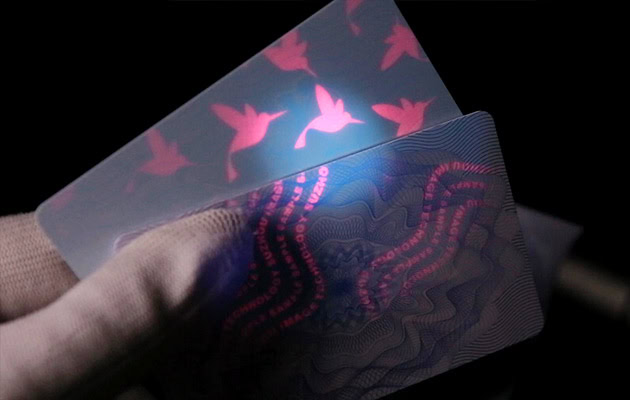
YMCKUV ribbon, which many customers will be more interested in. The UV layer is an ultraviolet fluorescent layer.
After printing it out, it is basically invisible to the naked eye. But if you shine with an ultraviolet detector, you will see the hidden information.
For example, logos, serial numbers, and other unique elements are very common in anti-counterfeiting documents.
One piece of advice: If you just print simple cards in monochrome, Smart 70 is actually enough. The cost of using the Smart 81 will be significantly higher.
Because, in addition to the ribbon, it also needs to be matched with a retransfer film, and the overall cost of consumables will increase accordingly.
4. Does the ribbon have an expiration date? How long can it be preserved?
This question is also frequently asked by customers. Generally speaking, the validity period of a ribbon is about 1 to 3 years, but there is a key point here: the storage environment is very important.

It is recommended not to expose it to direct sunlight or place it in a high-temperature environment. Try to store it in a cool and dry place and keep the original packaging.
It should be noted that if it is stored for too long, problems such as dull printing colors, unclear images, and reduced adhesion may occur. In fact, many of these problems are not caused by machine issues but by the aging of the ribbons.
More intuitive choice ideas
Overall, when choosing a printer, many customers initially only focus on the price of the equipment. However, in reality, what truly affects the usage effect and long-term costs is not only the machine itself, but also the type of card material, ribbon, overlay film, and the matching of the entire printing method.
So when choosing equipment, it is best to consider it from the perspective of the entire system rather than looking at a single product alone.
If you are currently working on PVC cards, PC cards, or some certificate projects with anti-counterfeiting requirements but are still not quite sure which printing device to choose, you can also send us your card material type and application scenarios.
We can help you evaluate together and choose a solution that is more suitable for practical use, rather than simply recommending a higher-priced device.
Many customers don’t know how to choose when they first contact them. In fact, they can use a relatively simple idea to judge.
If it is an ordinary PVC card, the print volume is not particularly large, and it is sensitive to cost. It is generally recommended to choose Smart 70.
If it is a PC card, a PET card, or a card with a chip that requires high-quality documents, it is recommended to choose Smart 81. Judging in this way, based on the card material and usage requirements, usually won’t lead to choosing the wrong direction.